> ## Documentation Index
> Fetch the complete documentation index at: https://ngquct-refactor-inspector-field-layout.mintlify.site/llms.txt
> Use this file to discover all available pages before exploring further.
# Cell and Row Viewers
> View and edit JSON, PHP serialized, image and binary cell values, set per-column display formats, and inspect whole rows in the sidebar
Click the chevron on a JSON or blob cell to open its value in a popover anchored to that cell. Which viewer opens follows the column: its declared type, or the **Display As** choice on its header, and that choice changes rendering only, never what is stored.
Whether it opens for editing follows the row and the column. A row marked for deletion opens nothing at all. A result the app cannot write back to, a generated column, and a column the driver marks immutable such as MongoDB's `_id` all open read-only; [Change Tracking](/features/change-tracking) covers which results are writable. PHP serialized values, and binary past the hex cap, are read-only for everyone.
## Display as formats
Right-click a column header and pick **Display As**. The submenu lists the formats that fit the column type, with a checkmark on the active one.
| Format | Column types | Effect |
| ----------------------------- | ------------ | ------------------------------------------------------------------ |
| Raw Value | all | Shows the stored value, and turns off detection for that column |
| Text | binary | Reads the bytes as UTF-8, trailing `BINARY(N)` padding trimmed |
| UUID | binary, text | Renders 16 raw bytes or a 32-digit hex string as a hyphenated UUID |
| Unix Timestamp (seconds) | integer | Renders the number as a formatted date |
| Unix Timestamp (milliseconds) | integer | Same, treating the number as milliseconds |
| JSON | text | Opens the cell in the JSON viewer |
| PHP Serialized | text | Opens the cell in the PHP serialized viewer |
An override persists per column, scoped to the connection and table. A column with a format set copies in that format when you copy the single cell; a block of cells or a whole row always copies the stored value.
Id-like binary and character columns, integer columns whose names read as timestamps, and binary columns whose first rows all read as UTF-8 pick up their format on their own. **Smart value detection** in [Settings > Data](/customization/data-settings) turns that off, and a manual choice always wins over it, **Raw Value** included. MongoDB binary columns never offer UUID, since the driver decodes them under its own Legacy UUID Encoding setting; see [MongoDB](/databases/mongodb).
**Text** decides per cell, not per column: an image or a hash sitting in a column set to **Text** still reads as `0x89504E…`. The cell edits as hex either way.
## JSON viewer
A JSON-typed column opens on the chevron; double-click or `Enter` edits it inline instead. A text column holding JSON needs **Display As > JSON** first.
The popover has two modes. **Text** is syntax-highlighted and pretty-printed, and editable when the cell is. **Tree** is collapsible, with a search field, and navigation only. Both keep your key order and exact number values, integers larger than JavaScript can represent included.
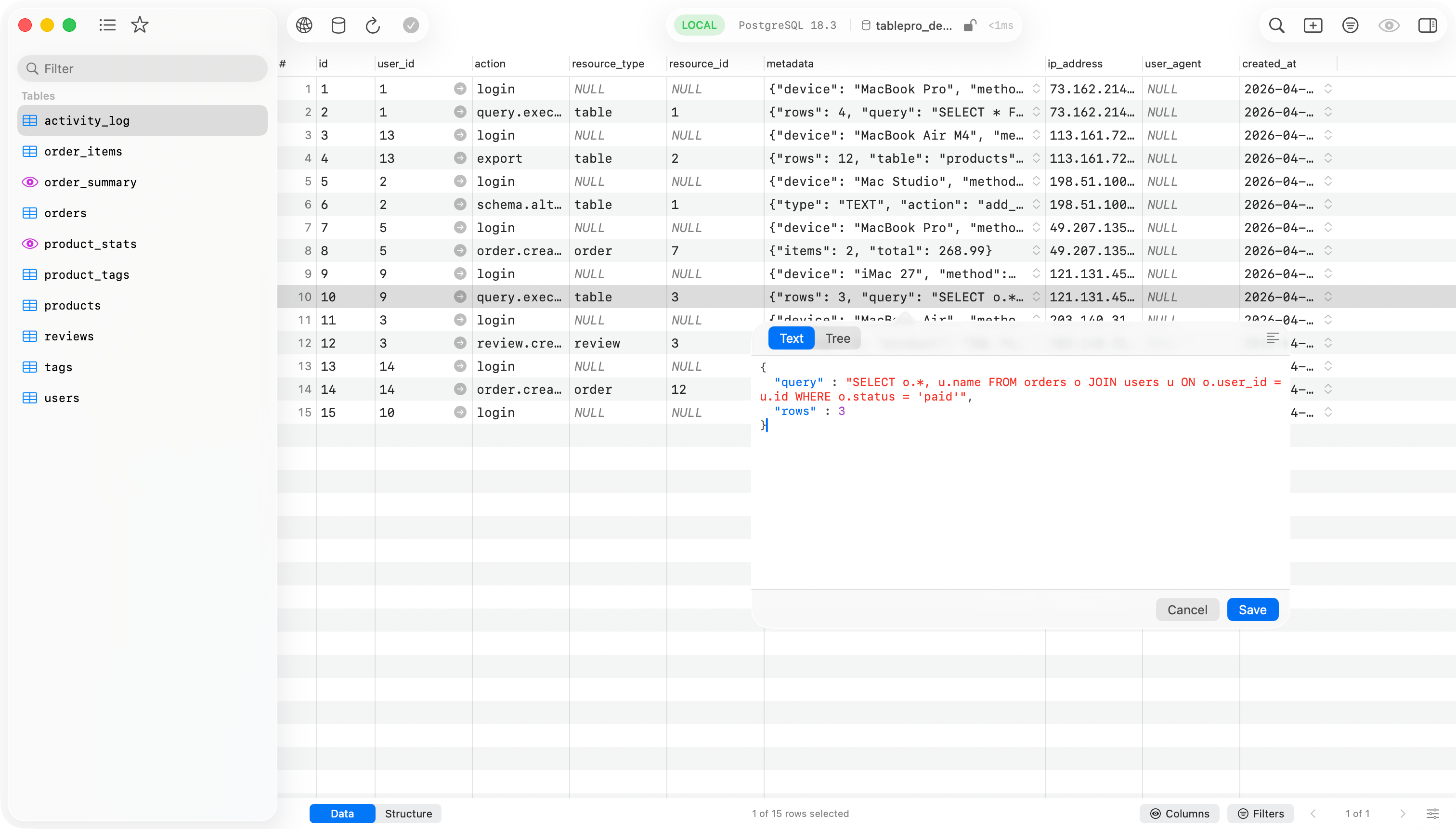
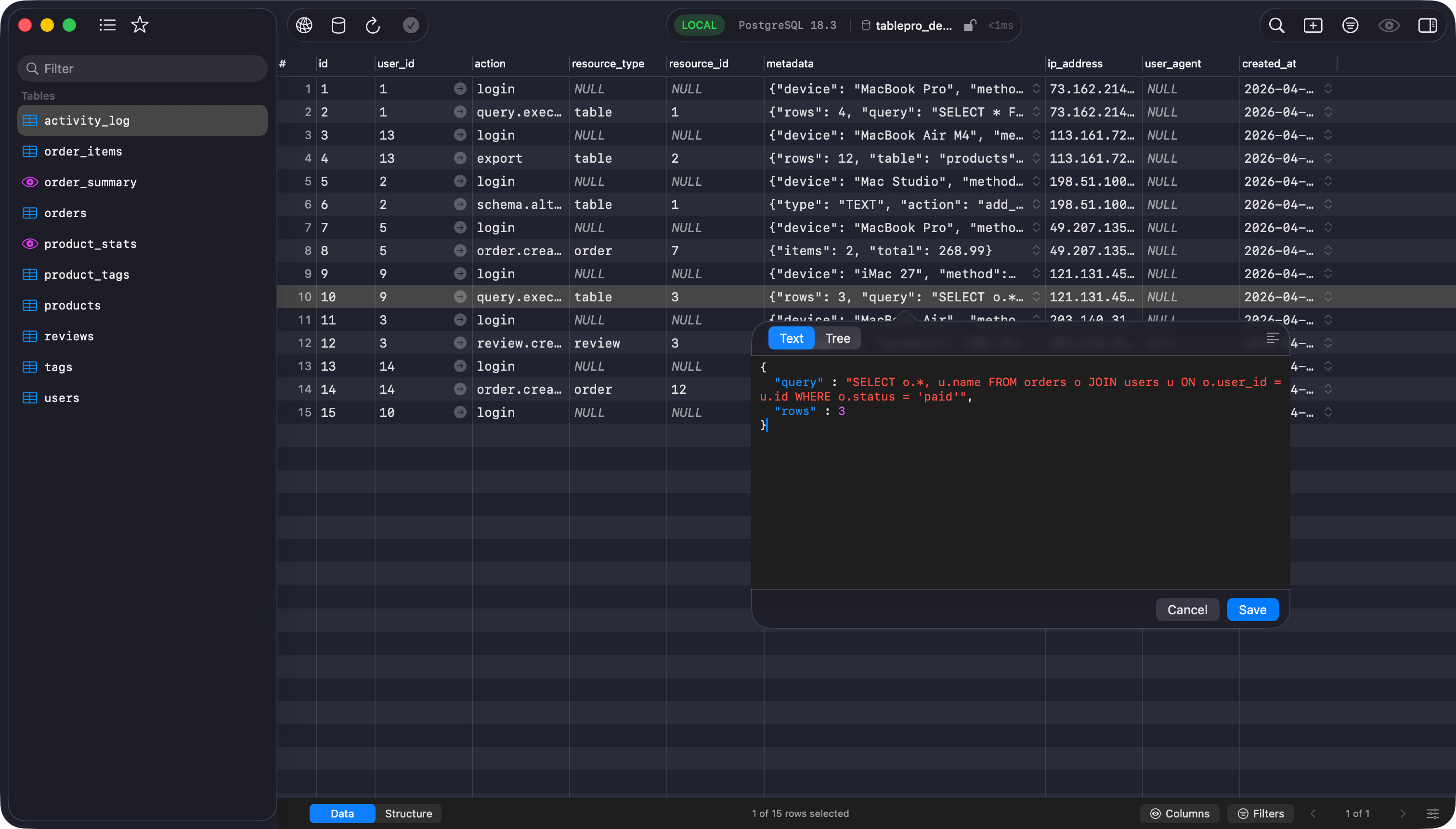 The mode you switch to becomes the default for the next value, which is the same preference as **JSON Viewer > Default view** in Settings. The pop-out button detaches the viewer into its own resizable window.
Opening a value and seeing it pretty-printed is not an edit: the row is marked changed only once you alter the content. **Save** commits a compact value, key order and numbers preserved, through the [change tracking](/features/change-tracking) queue. Text that is not valid JSON prompts first.
### Filtering a tree
The search field above the tree filters keys and values as you type. The [PHP serialized tree](#php-serialized-viewer) works the same way.
* Matching ignores case and accents, so `cafe` finds `café`. Full-width and half-width differ: `ABC` does not find `ABC`.
* A row matches on its whole value, not the shortened form shown, so a match deep inside a long string counts. A match under a collapsed parent opens its parents, and a key that matches keeps its contents and stays expandable.
* A filter that matches nothing says so, and says separately when the document was cut at 5,000 nodes, since the rows past the cut were never searched.
## PHP serialized viewer
Set **Display As > PHP Serialized** on a text column, then double-click or press `Enter`. The viewer is read-only: PHP serialized values round-trip through PHP itself.
**Tree** mode filters the same way as the JSON tree, with type badges on the nodes (`str`, `int`, `arr`, `obj`, `ser`, `ref`) and visibility badges on object members (`protected`, `private (ClassName)`). A custom-serialized class (the `C:` token) is one opaque leaf, and a reference (`r:`/`R:`) shows as `→ #N` and is not followed. **Raw** mode shows the original string with text selection.
## Blob and hex
A blob cell renders in the grid as compact hex (`0x48656C…`), unless its column reads as text. Click the chevron or double-click for the popover: a classic hex dump with offset, byte columns, and ASCII, plus an editable hex field under it on an editable table. That field takes spaced or continuous hex, with or without a `0x` prefix, and invalid hex disables **Save**.
Bytes that read as an image open on the picture instead, with **Hex** the second segment. The [image viewer](#image-viewer) covers that.
## Image viewer
A cell whose content is an image opens on the drawing, with its stored form one segment away: **Hex** for a binary column, **Source** for SVG markup in a text column. The source stays editable wherever the cell is, and **Save** commits it through the same [change tracking](/features/change-tracking) queue as any other edit.
Detection reads the value, not the column, since the same PNG turns up in `BLOB`, `BYTEA` and `VARBINARY`, and SVG arrives as often in a text column as a binary one. PNG, JPEG, JPEG 2000, GIF, TIFF, BMP, ICO, WebP, HEIC, HEIF and AVIF are identified from their header; SVG from its root element, behind any byte order mark, XML declaration, comment or doctype. A PDF, a Photoshop file and a camera raw file are left as hex, since a database client that opened them as "the image in this cell" would be guessing. **Display As > Raw Value** on the column turns detection off.
The mode you switch to becomes the default for the next value, which is the same preference as **JSON Viewer > Default view** in Settings. The pop-out button detaches the viewer into its own resizable window.
Opening a value and seeing it pretty-printed is not an edit: the row is marked changed only once you alter the content. **Save** commits a compact value, key order and numbers preserved, through the [change tracking](/features/change-tracking) queue. Text that is not valid JSON prompts first.
### Filtering a tree
The search field above the tree filters keys and values as you type. The [PHP serialized tree](#php-serialized-viewer) works the same way.
* Matching ignores case and accents, so `cafe` finds `café`. Full-width and half-width differ: `ABC` does not find `ABC`.
* A row matches on its whole value, not the shortened form shown, so a match deep inside a long string counts. A match under a collapsed parent opens its parents, and a key that matches keeps its contents and stays expandable.
* A filter that matches nothing says so, and says separately when the document was cut at 5,000 nodes, since the rows past the cut were never searched.
## PHP serialized viewer
Set **Display As > PHP Serialized** on a text column, then double-click or press `Enter`. The viewer is read-only: PHP serialized values round-trip through PHP itself.
**Tree** mode filters the same way as the JSON tree, with type badges on the nodes (`str`, `int`, `arr`, `obj`, `ser`, `ref`) and visibility badges on object members (`protected`, `private (ClassName)`). A custom-serialized class (the `C:` token) is one opaque leaf, and a reference (`r:`/`R:`) shows as `→ #N` and is not followed. **Raw** mode shows the original string with text selection.
## Blob and hex
A blob cell renders in the grid as compact hex (`0x48656C…`), unless its column reads as text. Click the chevron or double-click for the popover: a classic hex dump with offset, byte columns, and ASCII, plus an editable hex field under it on an editable table. That field takes spaced or continuous hex, with or without a `0x` prefix, and invalid hex disables **Save**.
Bytes that read as an image open on the picture instead, with **Hex** the second segment. The [image viewer](#image-viewer) covers that.
## Image viewer
A cell whose content is an image opens on the drawing, with its stored form one segment away: **Hex** for a binary column, **Source** for SVG markup in a text column. The source stays editable wherever the cell is, and **Save** commits it through the same [change tracking](/features/change-tracking) queue as any other edit.
Detection reads the value, not the column, since the same PNG turns up in `BLOB`, `BYTEA` and `VARBINARY`, and SVG arrives as often in a text column as a binary one. PNG, JPEG, JPEG 2000, GIF, TIFF, BMP, ICO, WebP, HEIC, HEIF and AVIF are identified from their header; SVG from its root element, behind any byte order mark, XML declaration, comment or doctype. A PDF, a Photoshop file and a camera raw file are left as hex, since a database client that opened them as "the image in this cell" would be guessing. **Display As > Raw Value** on the column turns detection off.
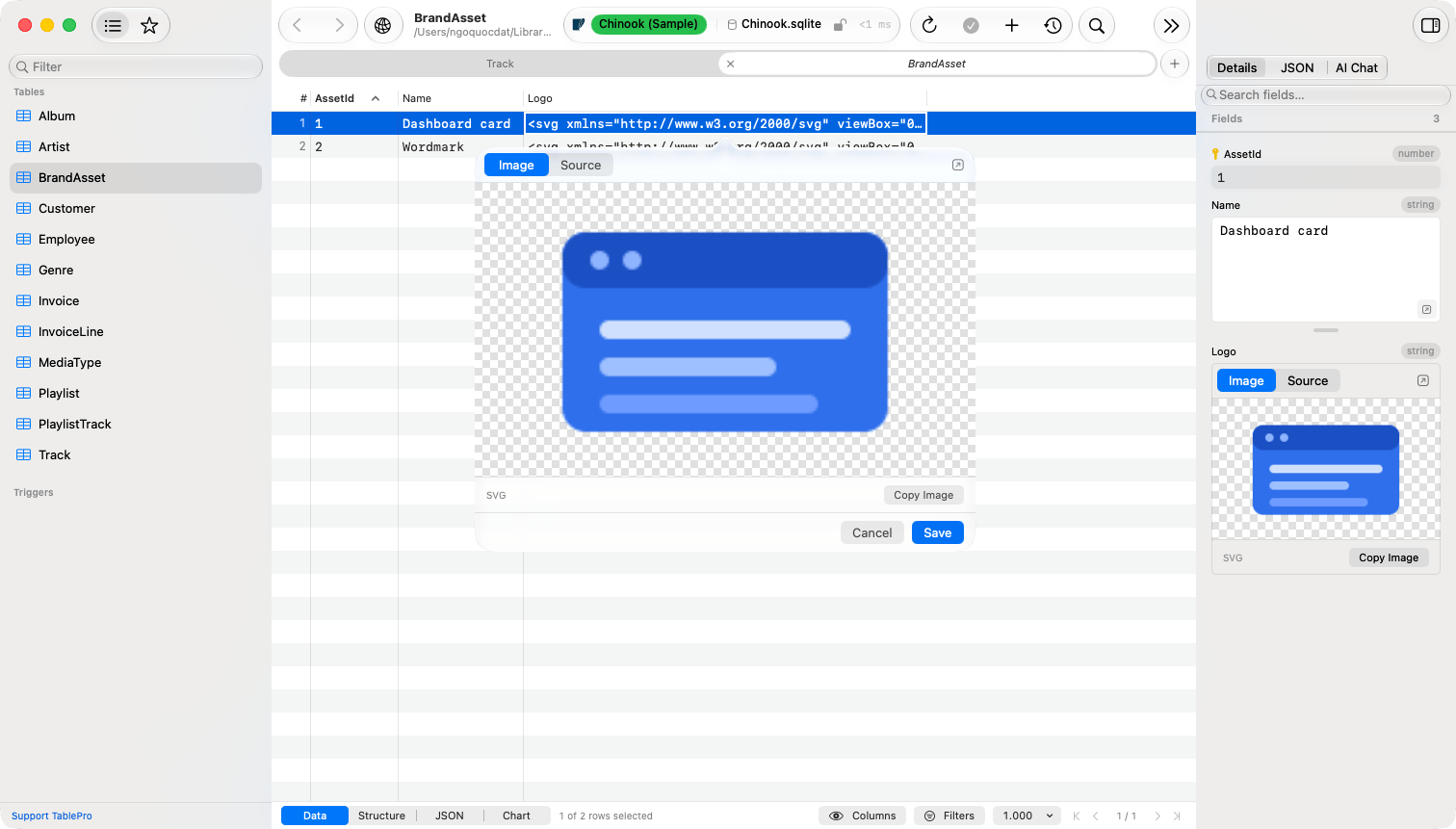
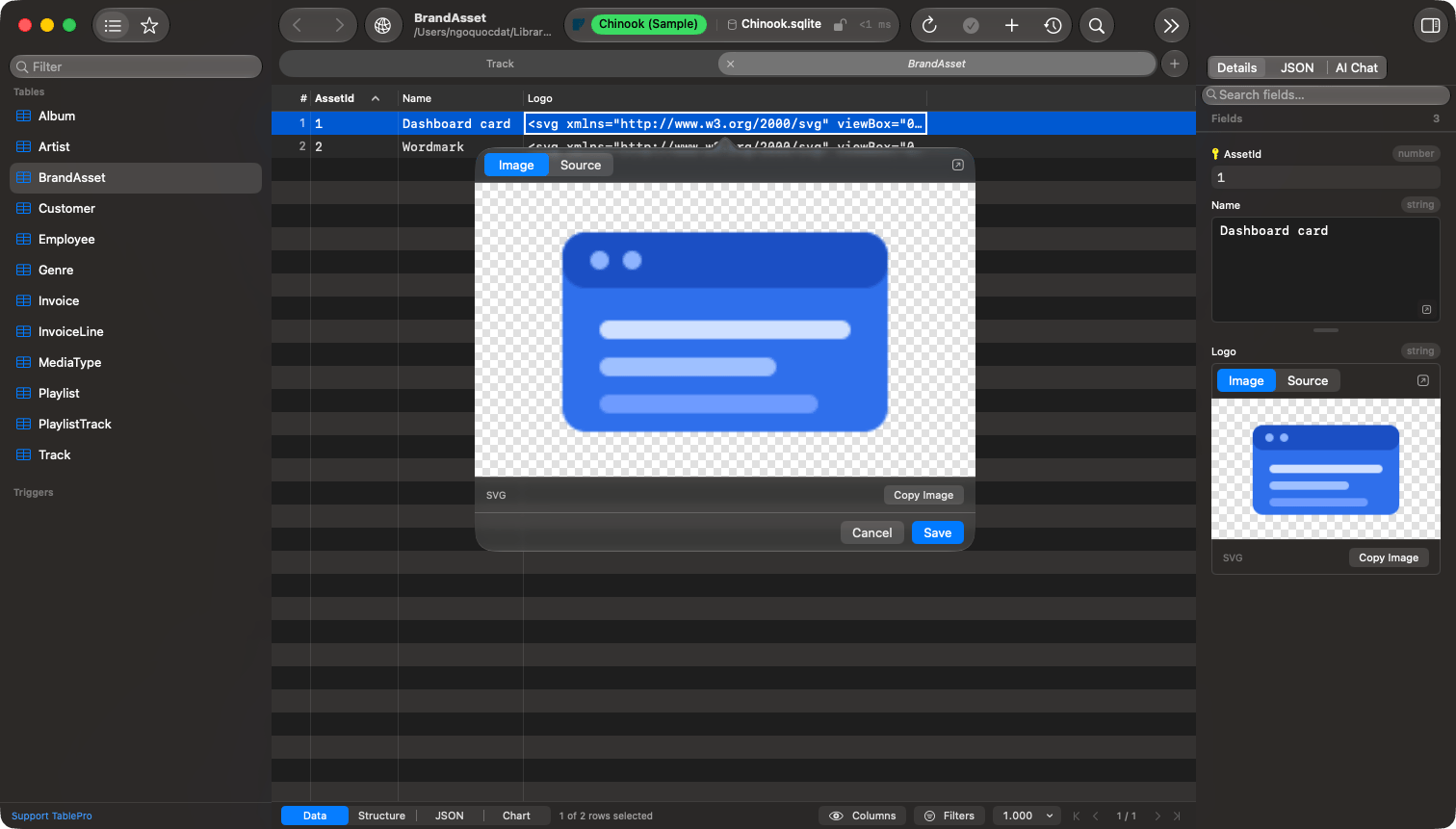 Transparency draws on a checkerboard. The footer names the format and, for a raster image, the stored pixel size, which is what the file holds rather than what fits the pane. **Copy Image** puts the drawing on the clipboard as an image; **Copy** on the cell itself still copies the stored value. The pop-out button opens a resizable window, read-only there.
SVG rasterizes in a separate process that reads the markup and nothing else. It reaches no network and no file: an ``, an `@import`, an external entity and a `
Transparency draws on a checkerboard. The footer names the format and, for a raster image, the stored pixel size, which is what the file holds rather than what fits the pane. **Copy Image** puts the drawing on the clipboard as an image; **Copy** on the cell itself still copies the stored value. The pop-out button opens a resizable window, read-only there.
SVG rasterizes in a separate process that reads the markup and nothing else. It reaches no network and no file: an ``, an `@import`, an external entity and a `